As New Year messages continue to flood WhatsApp, a new scam wave is targeting users through malicious image and file attachments. Cybersecurity experts are warning users to stay alert, especially if they receive files claiming to be greeting cards or celebration images.
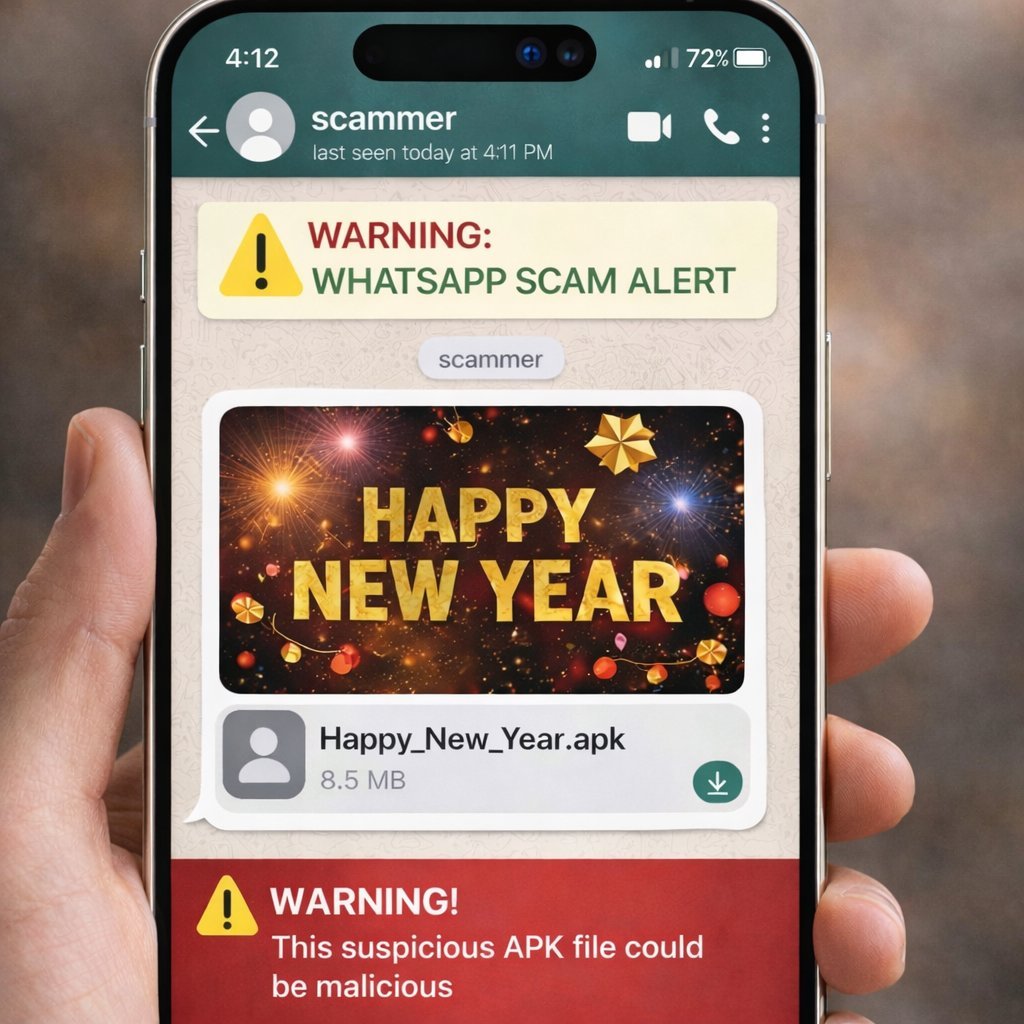
What the Scam Looks Like
Scammers are sending files that appear harmless at first:
- Files named like:
- Happy_New_Year.apk
- NewYear2026.apk
- Sometimes disguised as:
- Images
- Videos
- Greeting cards
Once downloaded, these files are not images at all, but Android installation files.
Why APK & XAPK Files Are Dangerous
APK and XAPK files are app installation packages for Android. Installing them from unknown sources can be extremely risky.
If installed, these files can:
- Install malware silently
- Steal personal data
- Read SMS messages
- Intercept OTP codes
- Access banking and payment apps
- Run in the background without detection
This can lead to financial loss and identity theft.
Why WhatsApp Is Being Used
Scammers prefer WhatsApp because:
- Messages often come from known or trusted contacts
- Users are more likely to open files during festivals
- File downloads feel casual and harmless
In some cases, infected devices may even automatically forward the file to other contacts, spreading the scam further.
What You Should Do Immediately
If you receive such a file:
- ❌ Do not open or install it
- ❌ Do not forward it
- ✅ Delete the file immediately
- ✅ Block and report the sender
- ✅ Warn friends and family
How to Stay Safe on WhatsApp
Follow these basic safety rules:
- Never install APK or XAPK files from WhatsApp or unknown sources
- Keep Google Play Protect enabled
- Update your phone’s software regularly
- Avoid clicking on suspicious links or files—even from known contacts
- Download apps only from the Google Play Store
What to Do If You Accidentally Installed One
- Uninstall the app immediately
- Run a security scan
- Change important passwords
- Contact your bank if you notice suspicious activity
Why Awareness Matters
Festive scams rise every year, and New Year greetings are one of the easiest ways to trick users. Staying informed is the simplest and most effective protection.
A few seconds of caution can save you from serious trouble.
Leave a Reply